
For years, the honest answer to “who makes StoicSoft?” has been: one person. Me.
I write the apps, design them, answer the support email and fix what breaks. Usually in that order, rarely on schedule.
It’s a good way to build software, because nobody has to be convinced. It’s a bad way to tell anyone about it.

Twelve apps - one at a time
It started with one desktop app I needed and couldn’t find. Then another one.
Each app is small on purpose: one job, done well, on your own machine, no account. Somewhere along the way they started handing their tools to the AI agent you already use, over MCP. And to each other.
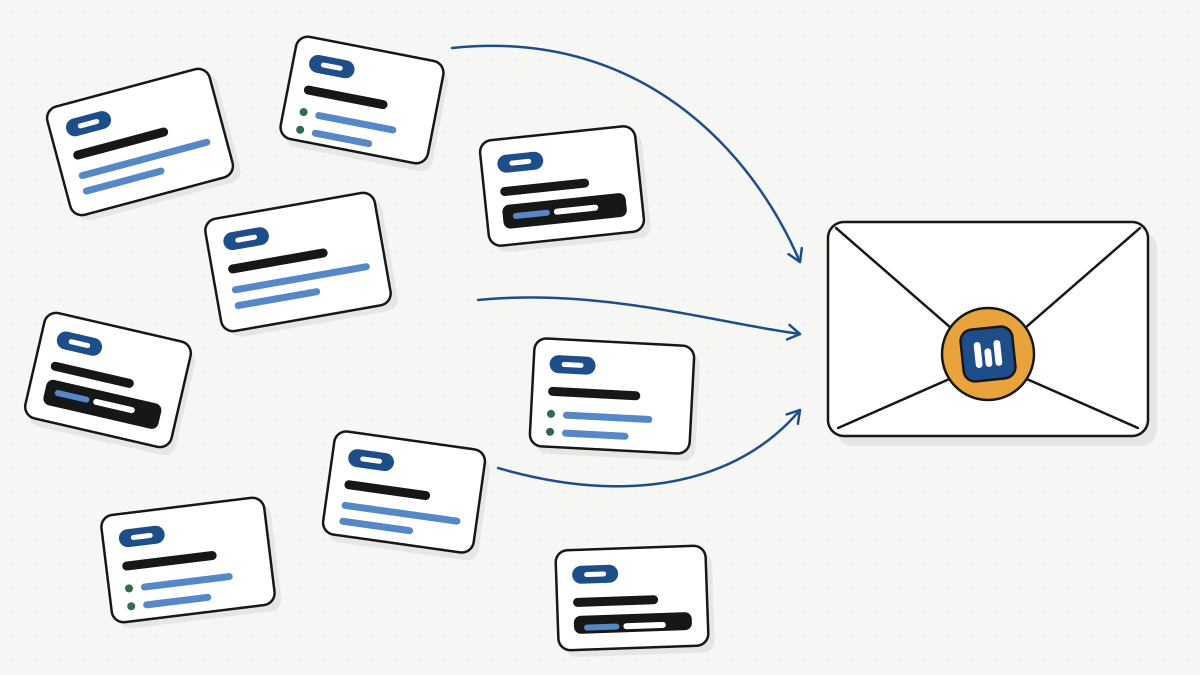
Now there are twelve. Twelve changelogs, twelve sets of release notes, twelve corners of the web.
If you use two or three of them, you’ve probably noticed the story is all over the place. A fix lands in one app because of something that happened in another, and nothing tells you why.
A letter - not a press release
This newsletter is my fix for that.
Once a week I’ll write down what shipped, what it changes for you, and what I’m working on next. The way I’d explain it to a friend who uses the tools, including the parts that didn’t work.
Some weeks nothing worth your time ships. Then there’s no issue. That’s a promise I can actually keep.
First news: 1DevTool is on your phone - beta
This is the thing that finally pushed me to start writing.
My agents run on my Mac. I don’t sit at my Mac all day. So half the time an agent was stuck waiting for one “yes” while I was in the kitchen.
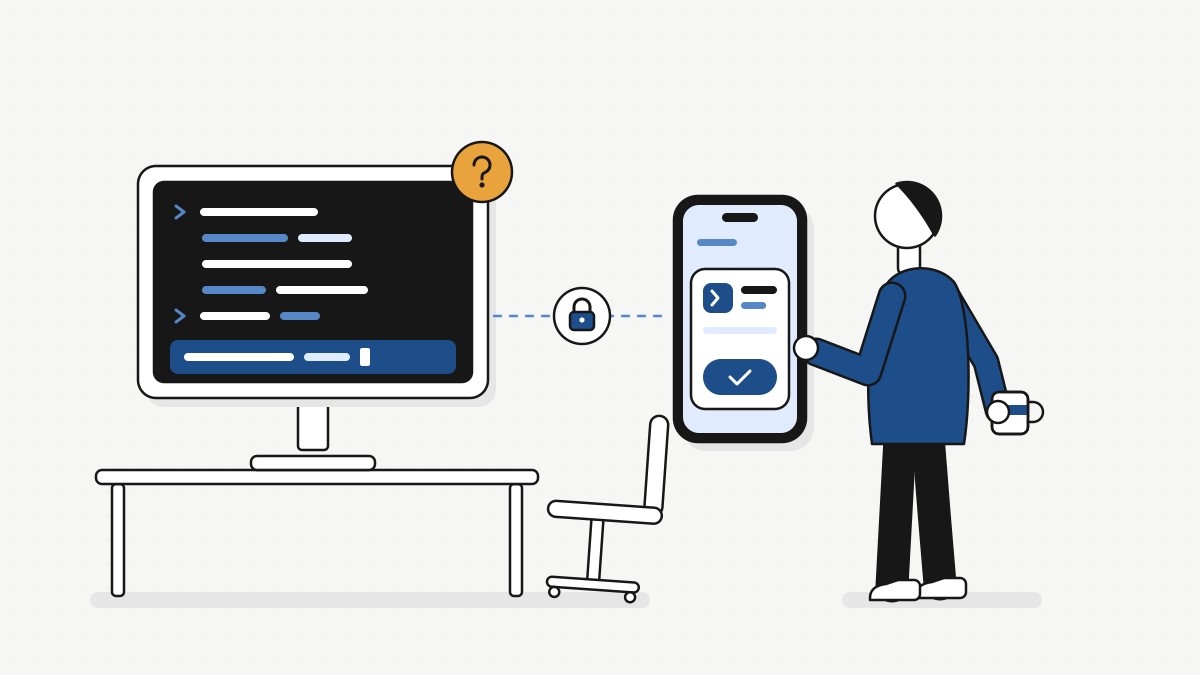
So I built the phone side of 1DevTool. From your phone you can see every agent running on your computer, answer the ones waiting on you, start new ones, and review the diff, commit and push.
The phone never runs your agents. It talks to your computer end-to-end encrypted, over your Wi-Fi, Tailscale or a relay that only ever sees encrypted bytes. No account, no tracking. On iPhone it’s also a real SSH and mosh terminal for any server.
A few numbers, because I like numbers. 1DevTool is about to pass 200 daily users: 188 right now, up 12%. And over 50 people are already testing the phone app.
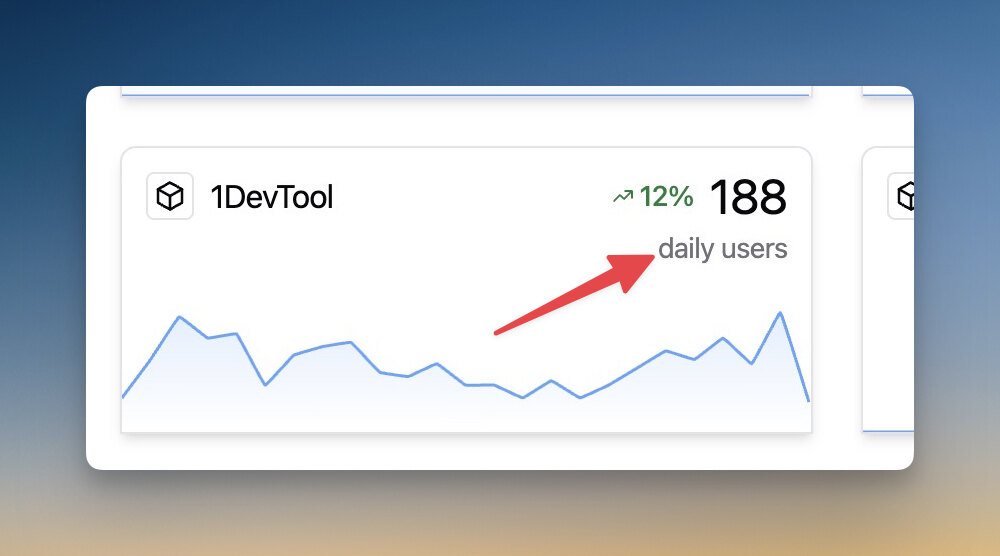
Not huge. But every one of those is a real person who opens it every day, and that’s the number I care about.
Get the beta
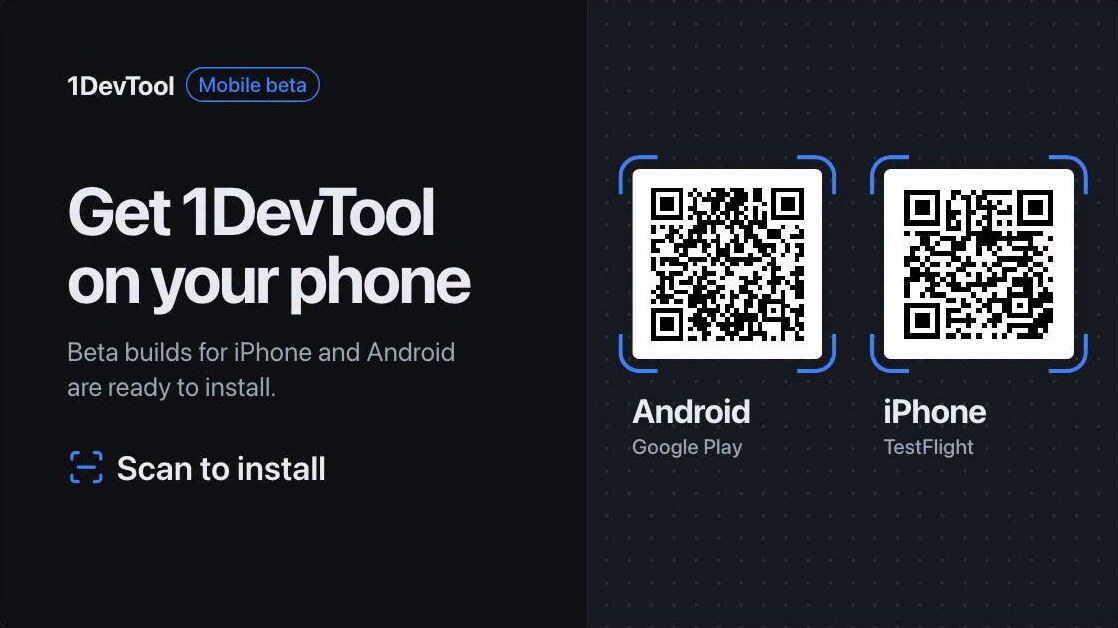
- iPhone: join the TestFlight beta. Install TestFlight, open the link, and that’s it.
- Android: join the Google Play test. Play only lets people I’ve invited install this one, so reply to this email (or write to [email protected]) with the Google account you use on Play, and I’ll add you.
Set it up in four steps
You need 1DevTool Desktop 1.82 or newer on your computer. The whole thing takes about five minutes, most of it waiting for the app to install.
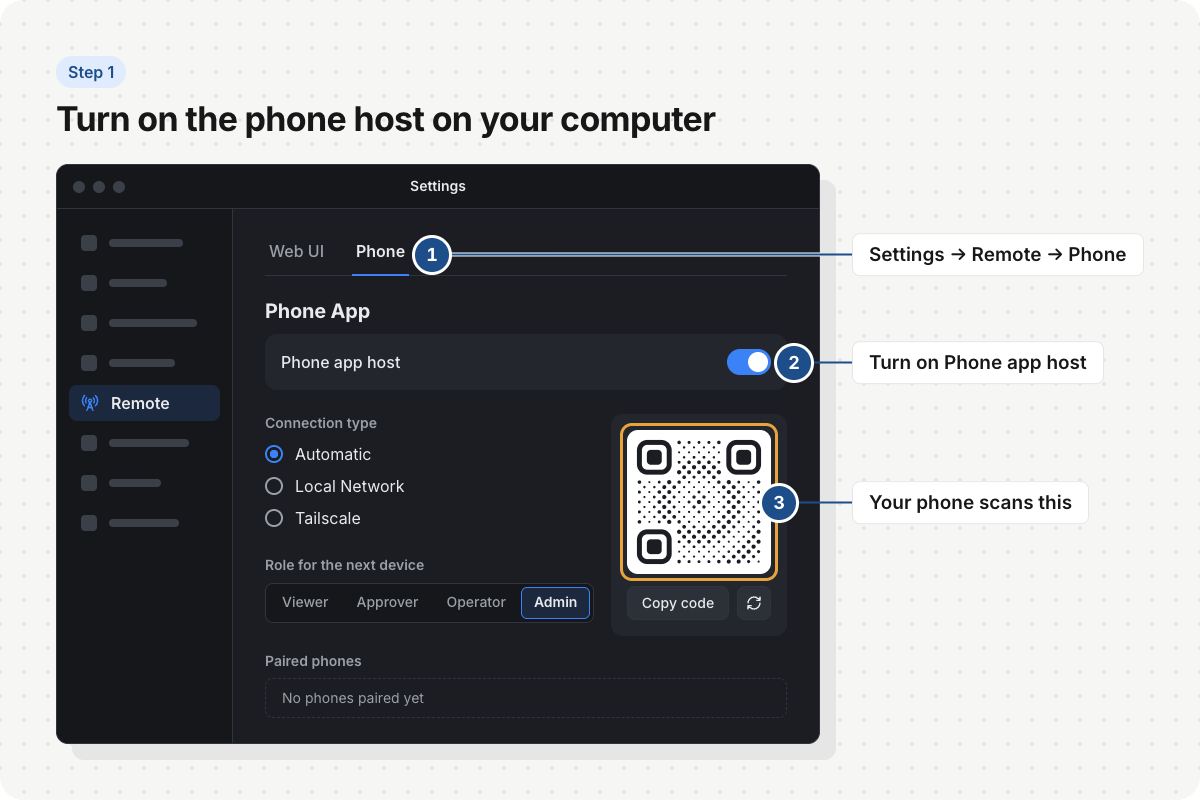
1. Turn on the phone host on your computer. In 1DevTool Desktop, open Settings → Remote → Phone and switch on Phone app host. A pairing code shows up.
Before you scan, pick the Role for the next device. Admin is full control, for a phone only you use. Approver can watch and answer approvals, but can’t type or change files. Viewer only watches. I use Admin on my own phone and Viewer for anything else.
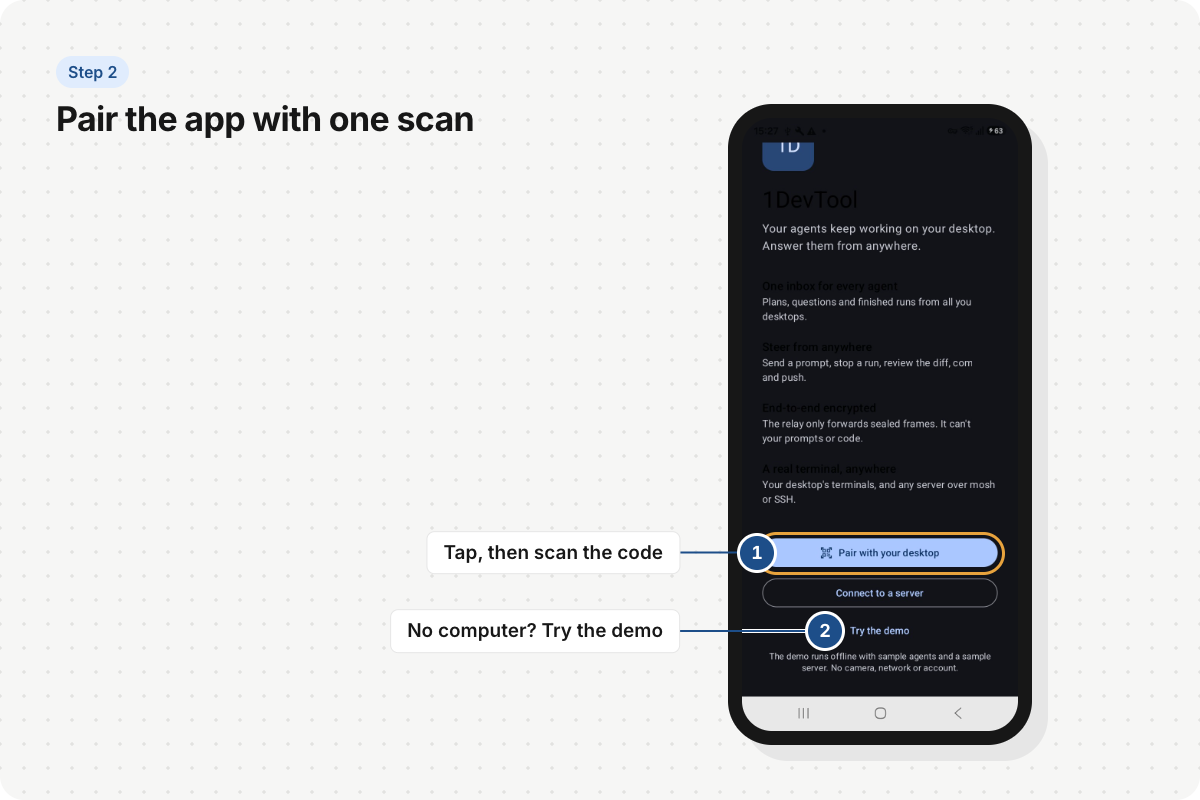
2. Pair the app with one scan. Open the app, tap Pair with your desktop and point the camera at the code. Your phone shows up under Paired phones on the computer. No computer nearby? Tap Try the demo, it runs offline with sample agents.
If your phone and computer are on the same Wi-Fi, it just works. Away from home, put Tailscale on both and leave Connection type on Automatic.
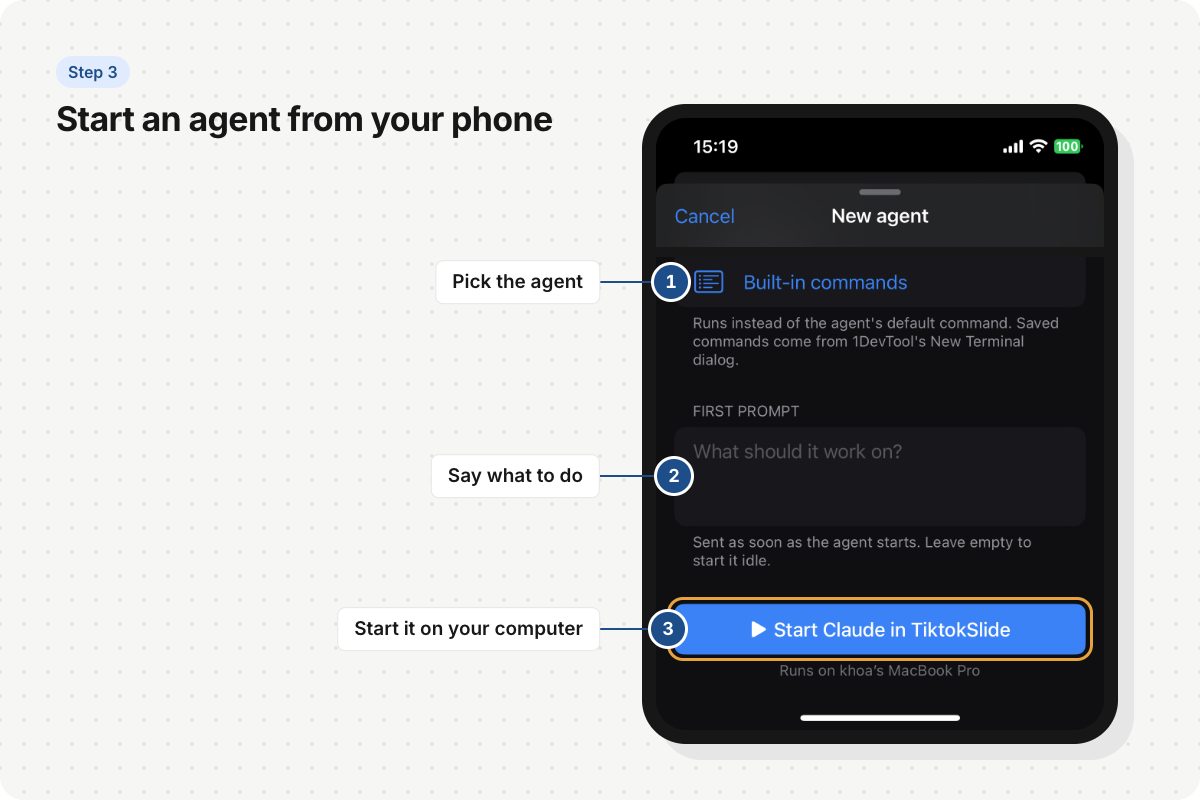
3. Start an agent from your phone. Tap New agent (in the sidebar, or on any project), pick the agent, write what it should work on, and tap Start. It runs on your computer, inside that project, exactly like you started it there.
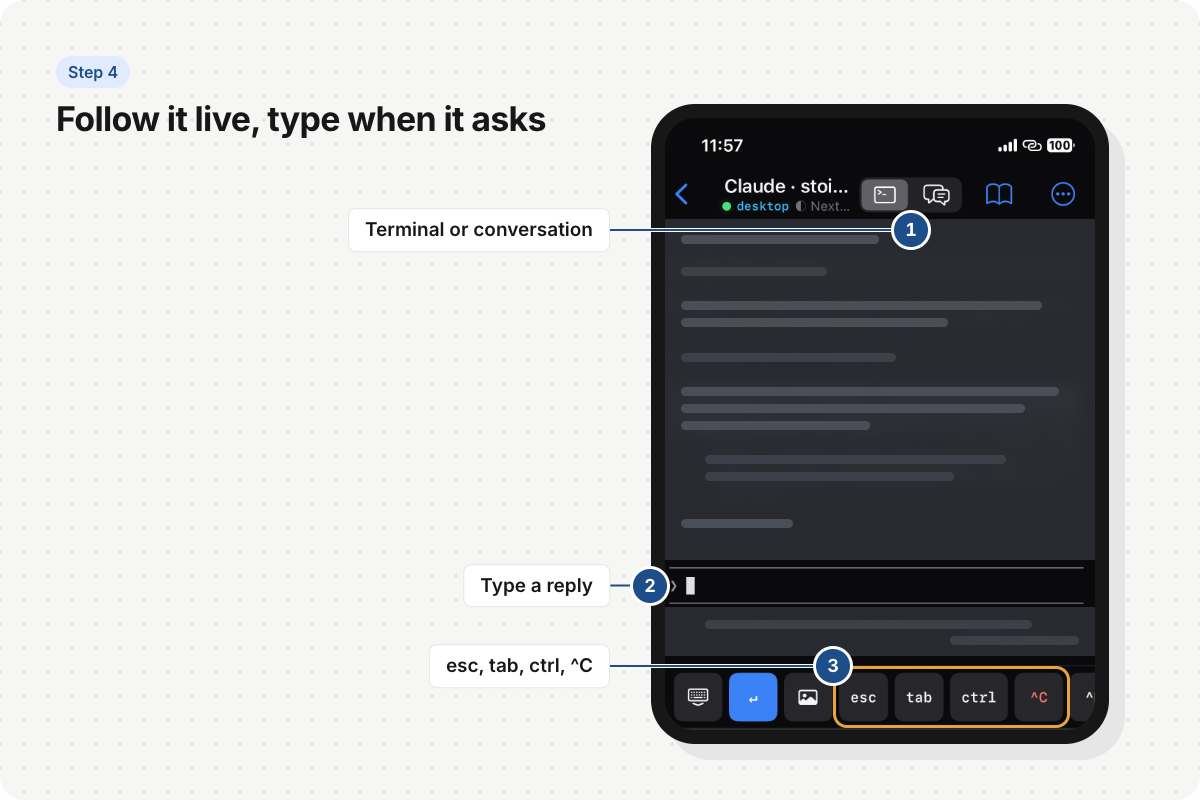
4. Follow it live, type when it asks. At the top you switch between the conversation and the live terminal. Type a reply when the agent asks, and use the key row for esc, tab, ctrl and ^C. Anything waiting on you lands in the Inbox tab, so you don’t have to check every agent one by one.
It’s a beta, so some things will break. When they do, tell me. That’s the whole deal.
Reply - that’s the whole process
Every issue ends the same way. Reply, and it comes straight to me.
Building alone works better with people who tell you the truth. Honestly, I’d rather hear “this button is confusing” from you than find out from a one-star review.
So, which of the apps do you use? And what’s the one thing you wish you could do from your phone that you can’t today?